
selenium screenshot python
Python hosting: Host, run, and code Python in the cloud!
Selenium is a web automation framework that can be used for automated testing, web scraping and anything you can do with a web browser. We can use Selenium to take automated screenshots of a webpage.
Related course:
Browser Automation with Python Selenium
Take screenshot Selenium
The way this works is that Python uses the selenium driver to open a module, then selenium will start the defined web browser and open the page url. It will then take a screenshot and save it to the local hard disk.
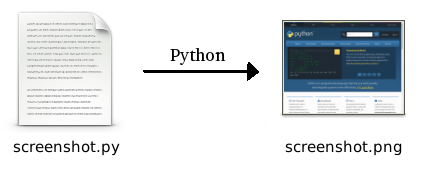
We start a web driver (Chromium) and open the webpage python.org.
from selenium import webdriver |
Then we call the method:
|
The screenshot will be saved in the same directory as the program: the program path.
The full code is shown below. Now because I’ve tested with the chromium browser, it contains the ChromeOptions as parameter.
|
Remember to call driver.close() otherwise the browser stays open after the program finishes.
So you could use a shorter version, if you use another web browser like
from selenium import webdriver |
Take screenshot of html element
You can take a screenshot of a html element. The way this works is that you first take a screenshot of the whole page and then crop it to its html element size.
from selenium import webdriver |
Leave a Reply: