
Introduction to GUI
Python hosting: PythonAnywhere — host, run and code Python in the cloud. Free tier available.
To create a graphical interface (GUI) in Python you need to make use of a library or module. There are at least three widely used modules for creating GUIs with Python:
While you can create a graphical user interface (GUI) with any of these modules, they do not have the same features.Related course:
Practice Python with interactive exercises
GUI toolkits
Tk provides basic widgets such as a button, menu, text and label. It is very limited compared to QT4 and WxPython but it is also the oldest module. It runs on most versions of Mac OS, Linux and Windows.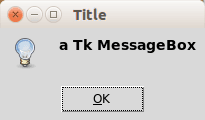 a messagebox in Tk. GUIs made in Tk do not have a native look.
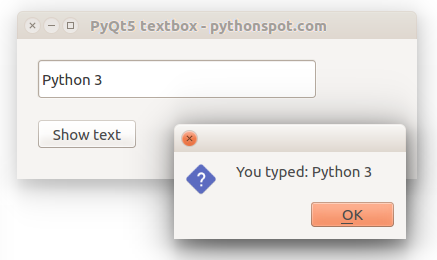
 QT4 and QT5 are developed by the Qt company. Graphical applications made with QT4 or QT5 run on Windows, Linux/X11 and Mac OS X. It has tons of widgets including tabs, buttons, item views, table views, progressbars, input fields, calendar views and many more. Compared to Tk it has a lot more widgets available.
WxPython is a module that creates a native GUI look regardless of the operating system used. On Windows it will look as windows application while on Mac OS it will look as a Mac application. This can be a clear advantage compared to QT4 or Tk, depending on your purpose. WxWidgets has many widgets available such as buttons, menu, text but also more advanced widgets as a htmlview or tree control.
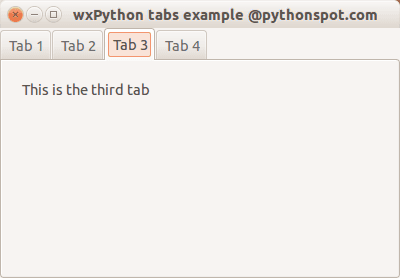 A window created with wxPython. wxPython has native appearance on all operating systems.