
Selenium install
Selenium is a web automation tool. A web browser can be controlled using Python code, any task you would normally do on the web can be done using the selenium module.
Installation To install the selenium module, type the command:
pip install -U seleniumThen get the web driver from https://docs.seleniumhq.org/projects/webdriver. There are all kind of webdrivers including:
- ChromeDriver
- FirefoxDriver
- RemoteWebDriver
After installation of the web driver, we can make Python start the browser using:
from selenium import webdriver
import time
options = webdriver.ChromeOptions()
options.add_argument('--ignore-certificate-errors')
options.add_argument("--test-type")
options.binary_location = "/usr/bin/chromium"
driver = webdriver.Chrome(chrome_options=options)
driver.get('https://python.org')
This will start the Chromium browser and open the python site.
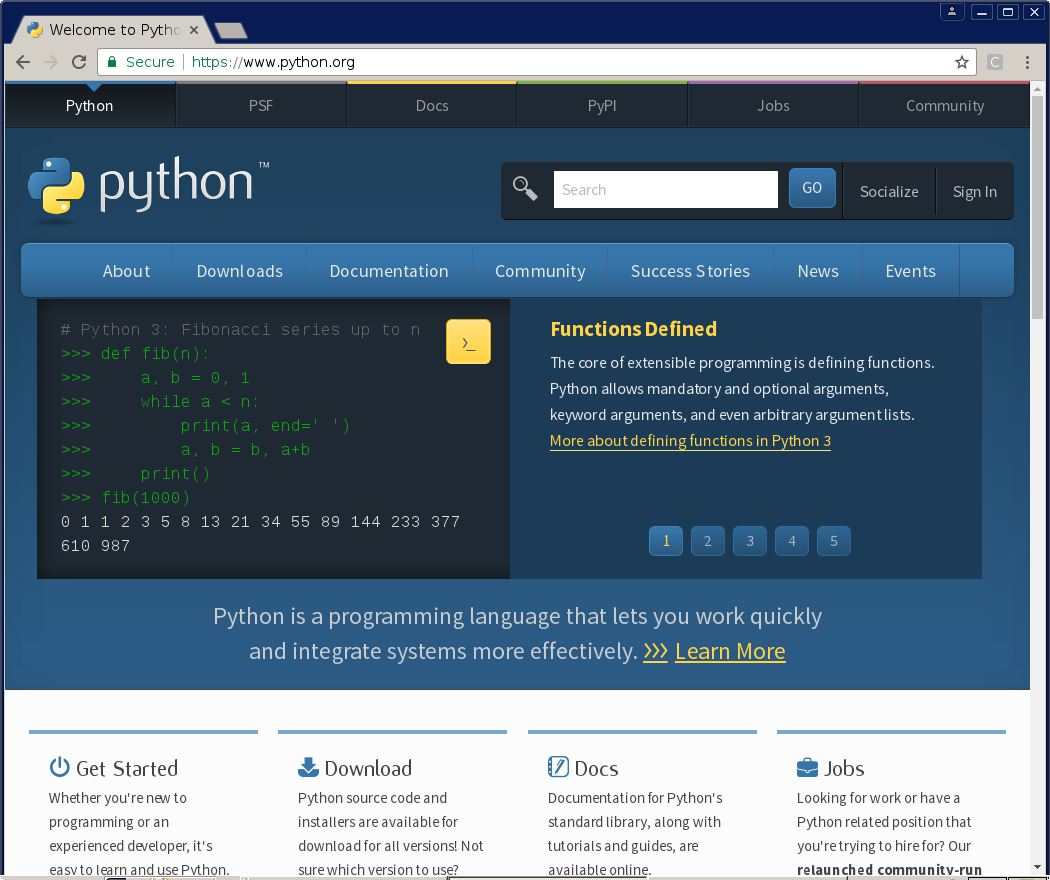 Selenium will start the chromium browser automatically