
QT4 Messagebox
PyQT4 offers message box functionality using several functions. Messageboxes included in PyQT4 are: question, warning, error, information, criticial and about box.
Related course:
Practice Python with interactive exercises
PyQt4 mesagebox
The code below will display a message box with two buttons:#! /usr/bin/env python
# -*- coding: utf-8 -*-
#
import sys
from PyQt4.QtGui import *
# Create an PyQT4 application object.
a = QApplication(sys.argv)
# The QWidget widget is the base class of all user interface objects in PyQt4.
w = QWidget()
# Show a message box
result = QMessageBox.question(w, 'Message', "Do you like Python?", QMessageBox.Yes | QMessageBox.No, QMessageBox.No)
if result == QMessageBox.Yes:
print('Yes.')
else:
print('No.')
# Show window
w.show()
sys.exit(a.exec_())
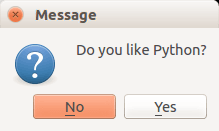 qtMessagebox question
There are different types of messageboxes that PyQT4 provides.
PyQT4 Warning Box
You can display a warning box using this line of code:QMessageBox.warning(w, "Message", "Are you sure you want to continue?")PyQT4 Information box
We can display an information box using QMessageBox.information()QMessageBox.information(w, "Message", "An information messagebox @ pythonspot.com ")Result:
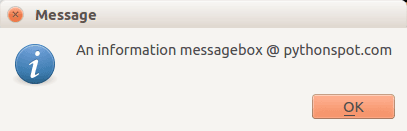 QMessageBox Info
PyQT4 Critical Box
If something goes wrong in your application you may want to display an error message.QMessageBox.critical(w, "Message", "No disk space left on device.")Result:
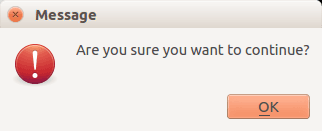 QMessagebox
PyQT4 About box
We have shown the question box above.QMessageBox.about(w, "About", "An example messagebox @ pythonspot.com ")Result:
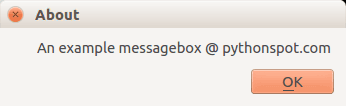 qt Messagebox